
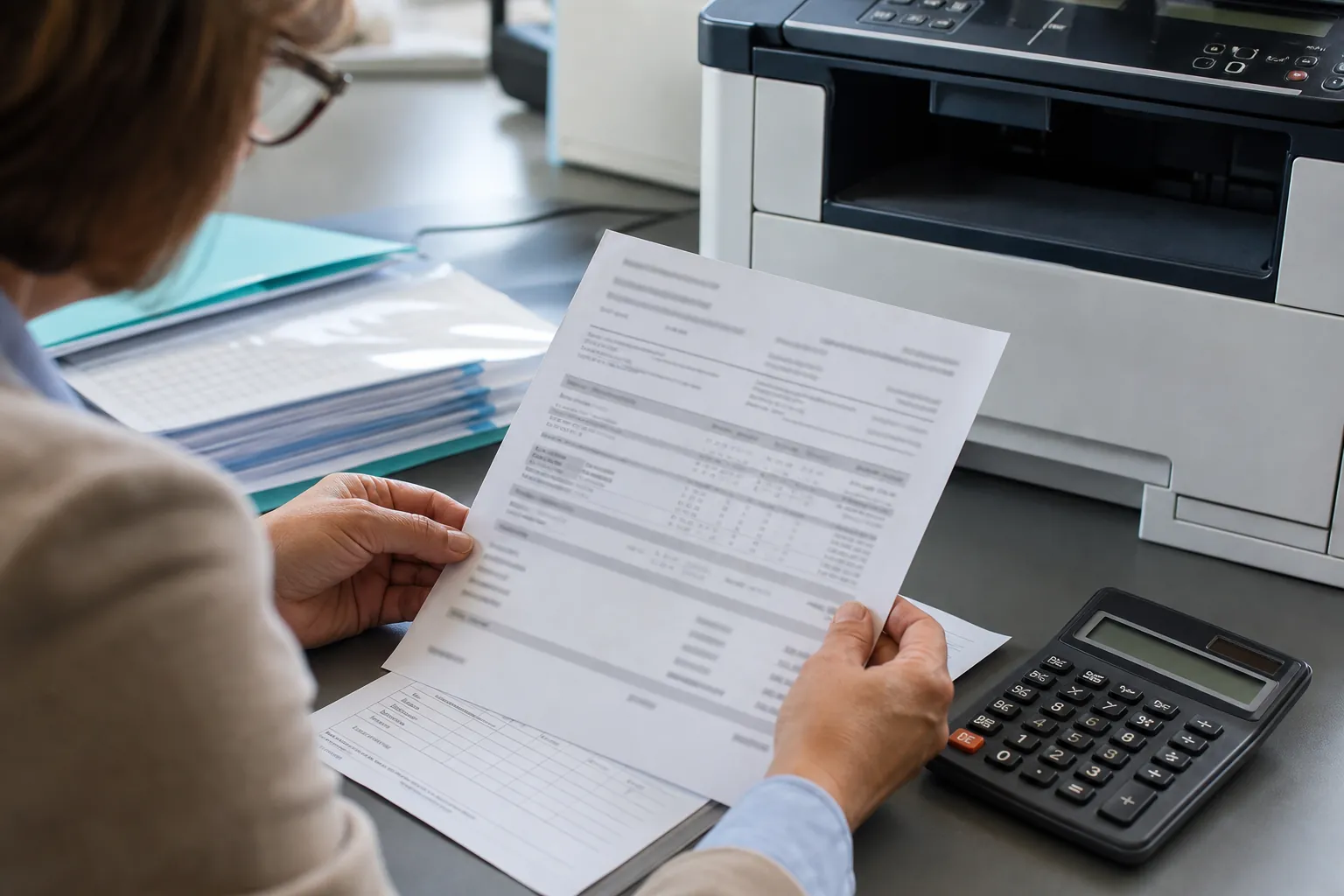
What are the best commercial office copiers for scanning and document management
The best copiers for scanning and document management are business-class multifunction systems with reliable single-pass duplex feeding, searchable PDF or OCR, authenticated destinations, naming or metadata controls, scan preview and compatible repository connectors. The right model must be tested with real records.
Best Copiers for Scanning and Document Management
Define pages per batch, mixed sizes, fragile originals, file format, naming, metadata, destination and retention. Test feeder reliability, orientation, blank-page removal, OCR accuracy and error recovery. A high scan-speed figure is not useful if staff must manually repair or rename every file.
Verify user authentication, encrypted transmission, destination permissions and whether connectors require separate licenses or servers. Assign an owner for templates and credentials. Use the copier security checklist with the buyer’s guide, then request document-scanning copier quotes for the same test workflow.
Compare Office Copier Purchase and Lease Prices
Get office copier quotes for the features, printing volume and local dealer support your business needs.