
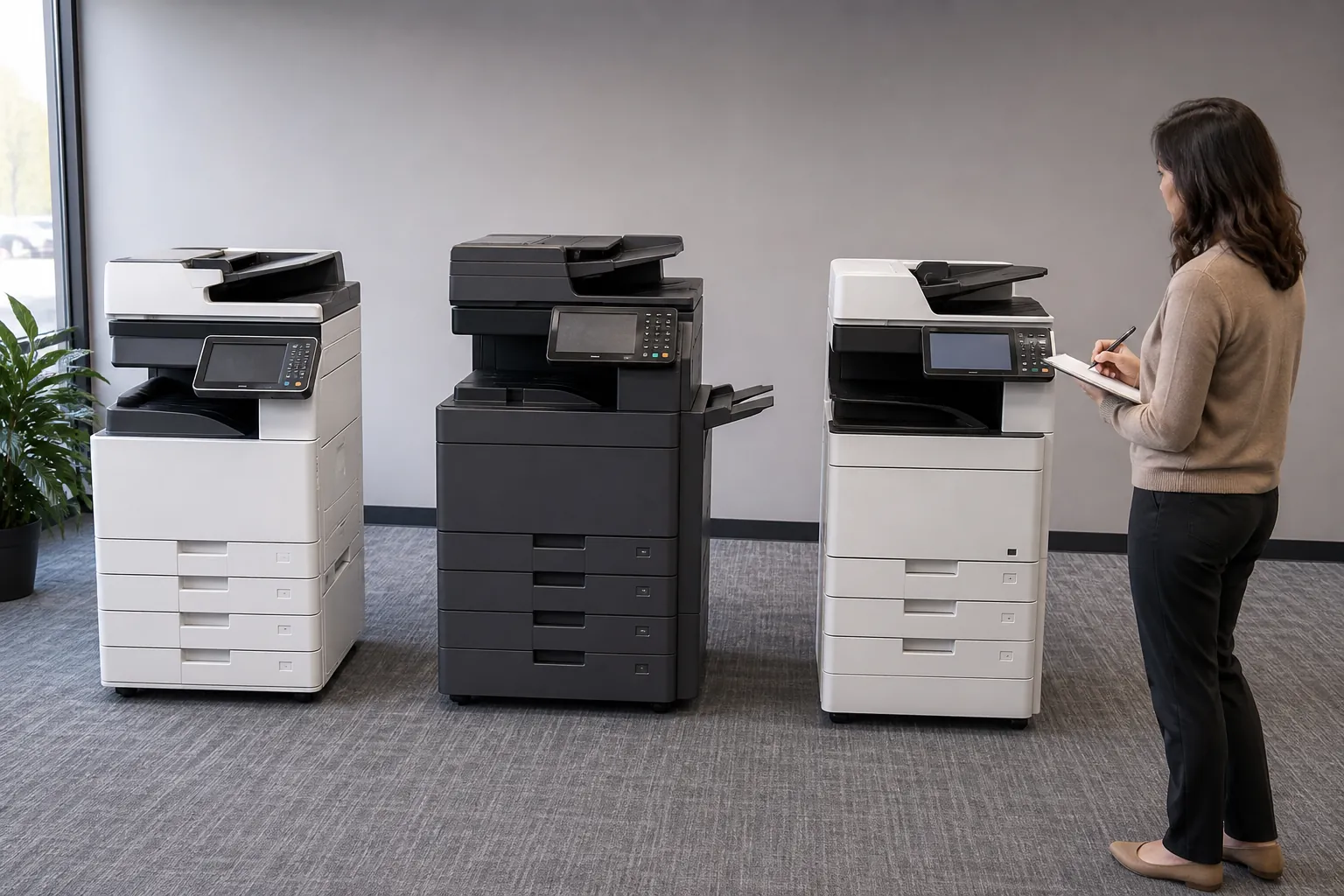
What are the top three cost-saving features to look for in office copiers?
The top three cost-saving copier features are automatic duplexing, secure print release and usage controls with reporting. Together they reduce paper, prevent abandoned jobs and expose unnecessary color or high-cost departmental printing without blocking legitimate work.
Cost-Saving Office Copier Features
Automatic duplexing cuts paper on suitable documents. Secure release holds jobs until the user is present, reducing forgotten output and protecting confidential pages. Usage controls and reporting allow sensible monochrome defaults, color permissions and review by user or department.
Features only save money when configured and measured. Record baseline paper, pages and color share, then review results after installation. Include software licenses and administration in the calculation. The copier cost-per-page guide shows how to measure savings, while office copier price quotes should confirm these controls on the exact model.
Compare Office Copier Purchase and Lease Prices
Get office copier quotes for the features, printing volume and local dealer support your business needs.