
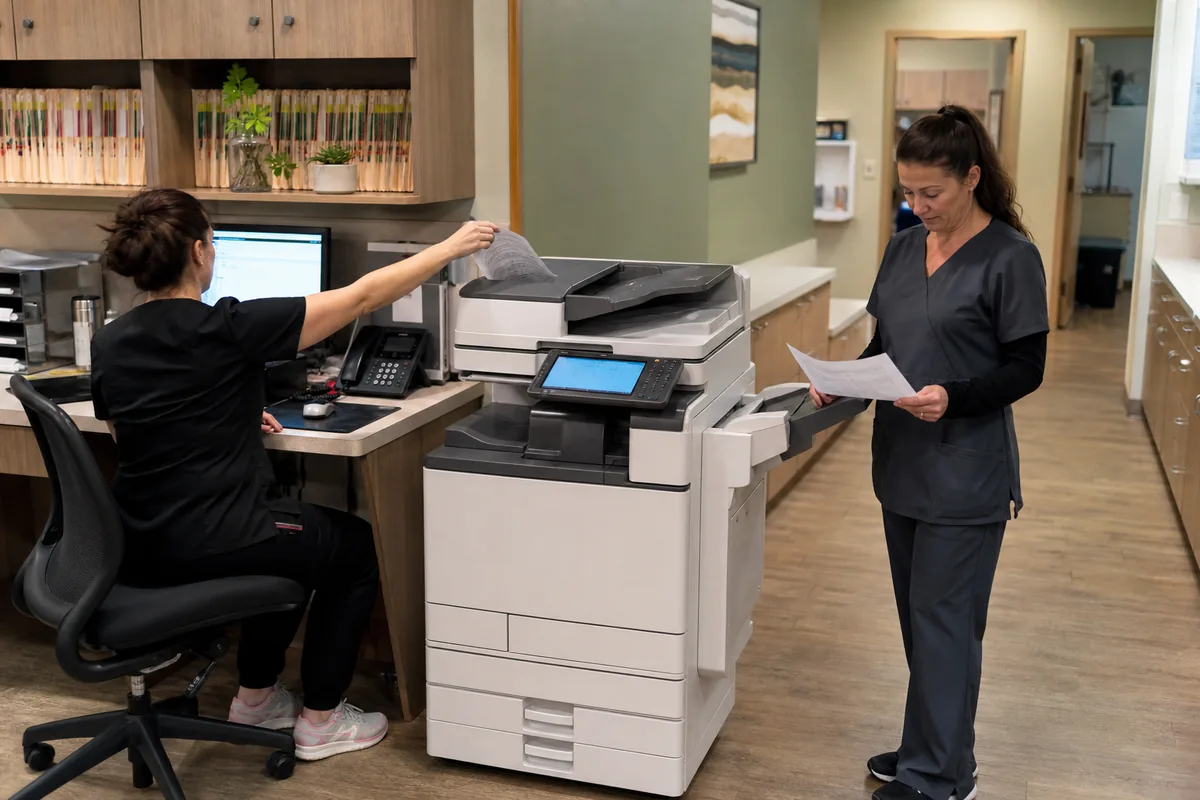
What is the difference between a copier and a multifunction printer?
Both terms can describe equipment that prints, scans and copies. “Copier” often refers to a floor-standing, dealer-serviced business system, while “multifunction printer” also includes compact desktop devices. Compare capabilities and recommended volume instead of relying on the name.
Office copier and MFP functions
Typical functions include network printing, duplex copying, scan to email or folder, user authentication and optional fax. Larger systems add high-capacity feeders, multiple paper trays, 11×17 support and advanced finishing.
Workgroup MFP versus floor-standing copier
A compact MFP may be ideal for a small team with letter-size documents and moderate use. A floor-standing copier becomes valuable when several departments share the device, large jobs must finish quickly or local service response is important.
Copier and Multifunction Printer Service
Retail printer warranties and dealer service agreements operate differently. Ask who installs network features, supplies toner, stocks parts and responds when the device stops. Review copier service coverage before choosing solely by purchase price.
Compare Commercial Copier Brands and Dealer Quotes
Do not decide this question from one manufacturer’s headline specification. Compare the relevant Canon copier families, Xerox copiers, Ricoh copier models, Sharp copiers and Konica Minolta copiers against the same monthly volume, paper, scanning, finishing, security and support brief. The local provider’s configuration and service capacity can matter as much as the logo on the machine.
Ask each provider to explain how the proposed device answers what is the difference between a copier and a multifunction printer. Require the answer in the itemized proposal, including any option, accessory, service assumption or contract term needed to make it true.
Compare Office Copier Price Quotes
Write down average and peak page volume, regular users, color percentage, required media, scan destinations, finishing and service expectations. Then use the office copier price comparison form so providers respond to one consistent requirement. Recheck unfamiliar contract language in the 2026 office copier answer library before signing.
Office Copier Buying Mistakes to Avoid
- Comparing an advertised base machine with a fully configured proposal.
- Using maximum duty cycle as if it were recommended monthly volume.
- Combining equipment financing and service into one unexplained payment.
- Ignoring installation, network setup, training and lease-end responsibilities.
- Choosing a model before documenting real print, scan, paper and finishing work.
The goal is not to make every proposal identical. It is to make every difference visible. A provider may recommend another speed, platform or service structure, but the proposal should explain why that change better answers the same business requirement.
Keep the final configuration sheet, service schedule and contract exhibits together. Those documents become the baseline for installation approval, future billing checks, service escalations and the next replacement decision.
- Recommended monthly volume
- Print, scan and copy functions
- Paper-size support
- Feeder and finishing options
- Security administration
- Warranty or service response
Office Copier Prices and Local Dealer Options
Use this topic with the complete Office Copier Buyer’s Guide, the office copier authority answer library, current copier brand guides and the local office copier dealers. Compare the same workload, configuration and service assumptions in every proposal.
Get Office Copier Purchase and Lease Prices
Describe volume, paper, scanning, finishing and service needs once.