
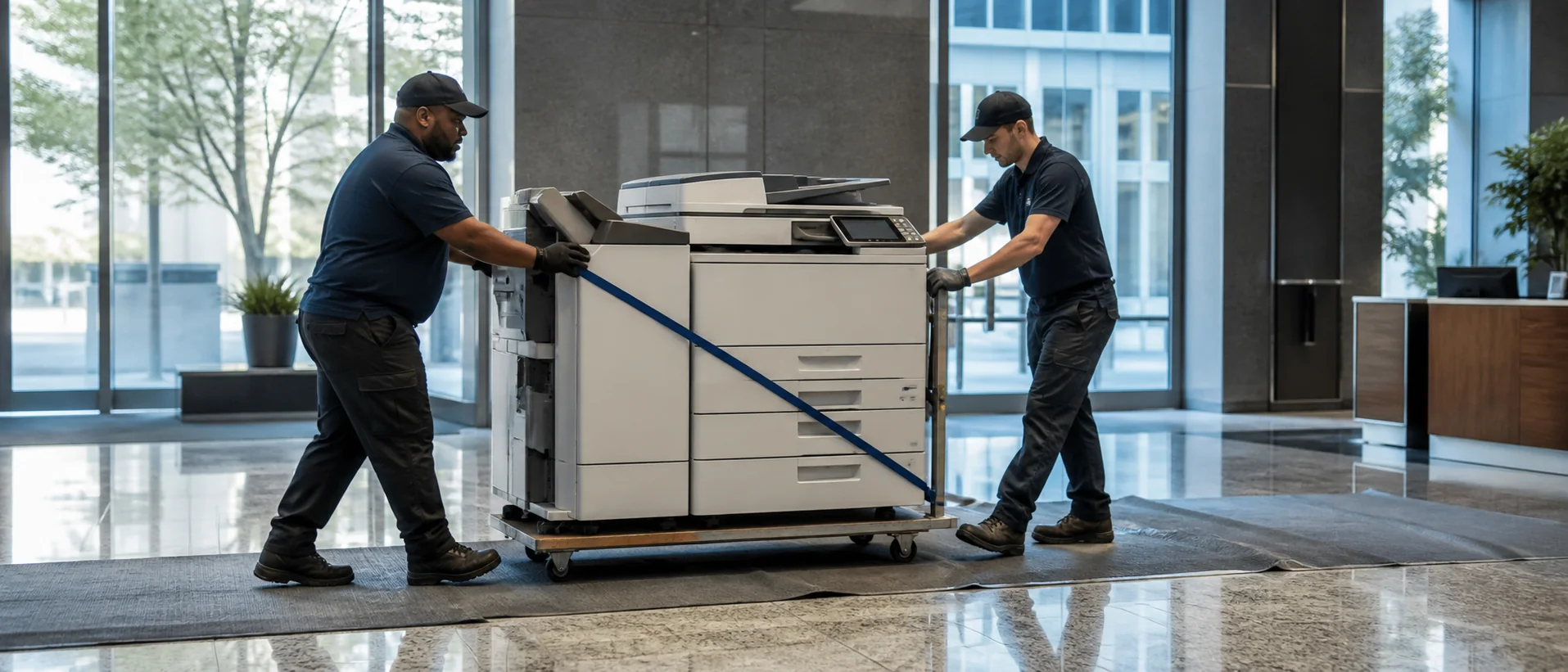
Mesa copiers for lease should be evaluated against purchase options using the same model, workload and service assumptions. Mesa’s healthcare, education, aerospace, aviation, defense, manufacturing, technology and tourism employers create a wide range of office document needs. The right system is sized from actual print and scan behavior, not from the maximum duty cycle printed in a brochure.
Turn Mesa office workflows into a copier specification
Review meters by device and identify lengthy scans, color-heavy output, large paper, finishing and departments that cannot wait during an outage. Aerospace and manufacturing administration may need controlled technical documents, while education and healthcare users may prioritize accurate capture and secure release. Include work that employees send elsewhere because the current device is unreliable.
Use the A3 and A4 copier comparison to determine whether ledger paper, larger originals or heavier finishing justify a full-size system. Require exact model and accessory numbers. Test the complete job with familiar files, paper and scan destinations before accepting a recommendation.
Compare Mesa lease, purchase and service costs fairly
Separate the cash price, finance term, total payments, service base, page allowance and overages. Add delivery, network installation, training, software and annual increases. The office copier price guide helps buyers compare total term cost instead of choosing from monthly payments built on different inclusions.
Ask how a Mesa fleet can add or relocate devices as operations grow near Gateway or other employment areas. Confirm page pooling, supply shipment and lease-end notice. A useful proposal also explains whether service survives a finance change and who owns data sanitization when equipment leaves the office.
Require both a normal-month and peak-month cost example. Mesa offices with project cycles, school calendars or production changes can then see how overages affect the invoice instead of relying on a blended annual estimate.
Test Mesa copier security and implementation
IT should verify secure print, encrypted storage, administrator roles, firmware updates and file-destination permissions. Review commercial copiers for document management, then demonstrate OCR and mixed-size scanning on the precise configuration.
Ask which Mesa technicians cover each address, where parts are stocked and how repeated failures are escalated. Delivery, drivers, address books and training should have named owners. Compare real pages and tickets after installation so the office can correct paper settings or workflow problems before they generate ongoing cost.
Mesa organizations operating across offices, hangars, clinics or campuses should define whether one central administrator will manage every device or whether local teams need limited control. The dealer should demonstrate meter collection, supply alerts, user changes and reporting by location. If the proposal includes remote monitoring, IT should understand what information leaves the network and which party responds to an alert. Clear ownership keeps fleet-management features from becoming unused subscriptions.
Price the Mesa copier configuration you can verify.
Compare one written equipment, workflow and service requirement.