
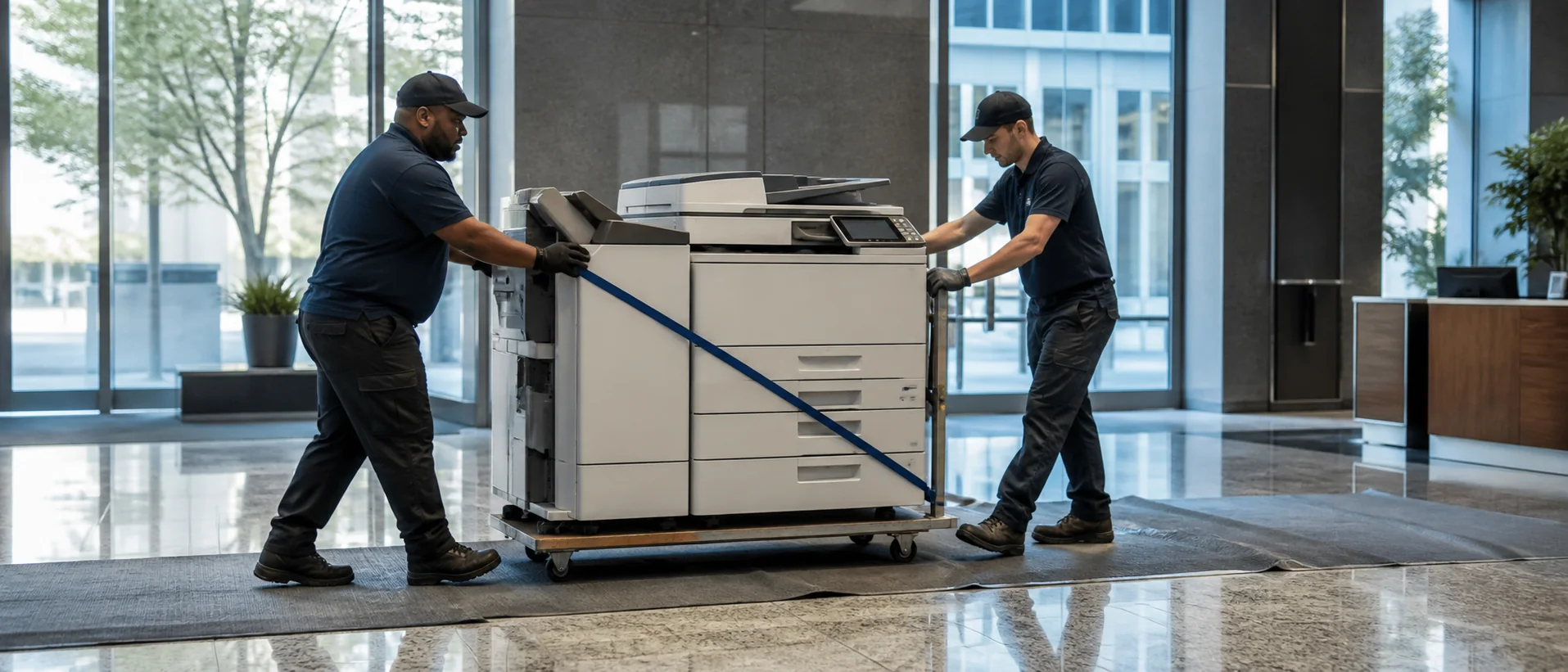
Fullerton copiers for sale should be compared with lease options on the same equipment, service and workflow basis. Fullerton’s colleges, schools, healthcare practices, manufacturers, professional offices, public agencies, retailers and hospitality businesses create a varied mix of course material, records, forms and customer documents. The best proposal explains how the configured system handles those jobs and who supports it throughout Orange County.
Build a Fullerton copier brief for campus and business workflows
Review meters and service history by department, then gather ordinary originals from education, finance, admissions, healthcare, production and customer-service teams. Include long scan batches, confidential pages, booklets, envelopes, color notices and work diverted to convenience printers or outside production.
The office copier sizing guide helps match paper, feeder and finishing needs with the right equipment class. Require exact model and accessory numbers. Test a real course packet, client file or operational document through its complete workflow.
Education and public-facing organizations should model enrollment, registration or event peaks. A device sized only from annual average volume can still create long queues when many users need the same feeder or finisher at once. Record the busiest hour and acceptable completion time.
Normalize Fullerton equipment, page and contract costs
Separate purchase price, total lease payments, service base, included pages, overages, delivery, network setup and training. Add software subscriptions, annual increases, taxes and return freight. Review copier lease versus purchase over the realistic life of the system.
Ask how color, tabloid pages and specialty media are counted, and whether pages are pooled across campuses or offices. Request sample invoices for an ordinary month and a peak month. A lower base price can disappear quickly if the allowance does not match the calendar.
Keep the signed configuration, service terms and renewal dates in one approval record. Fullerton finance and IT teams should be able to identify every recurring charge and every supported device without relying on sales shorthand.
Protect Fullerton records and confirm local response
Test secure print, directory access, OCR and approved scan destinations. Review administrator permissions, storage encryption, firmware responsibility and data removal. The copier security guide supports a consistent IT review.
Ask which Orange County technicians handle the address, how campus or controlled-building access is managed and who escalates repeated failures. Name owners for delivery, drivers, address books, training and acceptance. References should describe what happened after a difficult issue.
Conduct a sixty-day review with everyday users. Compare queues, scan corrections, color use and tickets with the proposal, then document any setting or training change for the next busy period.
For campuses or organizations with rotating users, include a simple training plan for employees who arrive after launch. Store quick instructions near the device and identify who updates them when a workflow changes. A reliable system should not depend on one person remembering every setting.
Compare Fullerton copier prices with every required feature.
Compare one complete equipment, workflow and service requirement.