
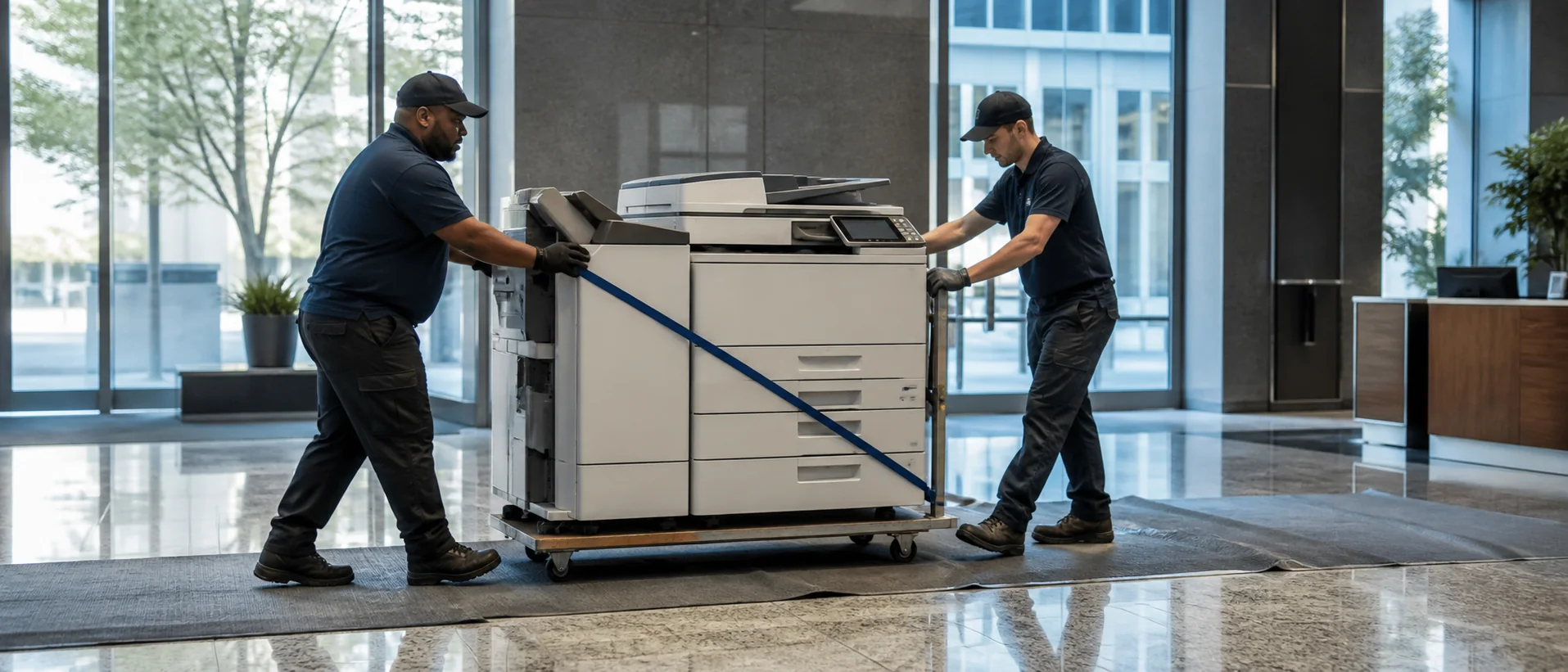
Margate copiers for lease should be compared with purchase options around the needs of healthcare practices, local professional firms, schools, property offices, retailers, municipal services and small businesses. These organizations may have modest total volume while still depending on fast patient, student, contract or public-record scanning at busy times. Measure the jobs and west Broward support first so equipment cost reflects actual use rather than a generic package.
Right-size Margate copiers for practical local work
Collect meters, service calls and real documents from clinical, education, property, public, finance and administrative teams. Include patient forms, enrollment packets, leases, permits, invoices, mixed originals, color outreach and confidential personnel pages. Record manual filing and desktop output created by scan or reliability problems.
Use the copier speed guide to account for simultaneous use and feeder batches instead of buying unused rated capacity. Require exact model, controller, trays, finisher and software. Test a normal patient, student or property packet through OCR and retrieval.
Clinics, schools, civic properties and neighborhood offices have different delivery and access conditions. Facilities, IT and a frequent user should confirm placement, network ownership and acceptance. The configuration must be manageable for the staff who use it every day.
Compare Margate copier pricing without oversizing
Separate equipment price, lease total, maintenance base, included pages, overages, software, setup and training. Add annual increases, taxes, relocation, data removal and return freight. The commercial copier pricing guide makes differently bundled offers comparable.
Model normal demand and clinical, enrollment, tax, public or seasonal peaks. Ask whether pages can be pooled with nearby Broward offices and how a move affects service. Review copier lease versus purchase over the same useful life.
Require a sample invoice and accepted asset schedule. Keep serials, subscriptions, page minimums and notice dates together. Review actual use after the first busy cycle so excess capacity can be corrected before renewal.
Protect Margate records and verify neighborhood response
IT should test authentication, secure release, OCR and approved destinations. Review encryption, administrator privileges, firmware, logs and sanitization. The scanning and document management guide helps define acceptance.
Ask which technicians and parts serve Margate and who owns a recurring failure. Define alternate output for patient, student, payroll, property or public documents. Record storm contacts and safe shutdown and restart steps.
References should share similar office size and workflows. Ask whether the correction restored scanning, permissions and finishing and whether it lasted. Preserve accepted files and a concise continuity sheet with the asset.
Include records owners in the first service review so paper, training and destination issues are identified before employees abandon the shared process.
Record final destinations, local contacts and recovery steps with the equipment schedule. Reuse that evidence after firmware or staffing changes and during the next local copier provider review.
Request Margate copier prices on a right-sized requirement.
Compare one complete equipment, workflow and service requirement.